1. Sell Canva Templates (Passive Income)
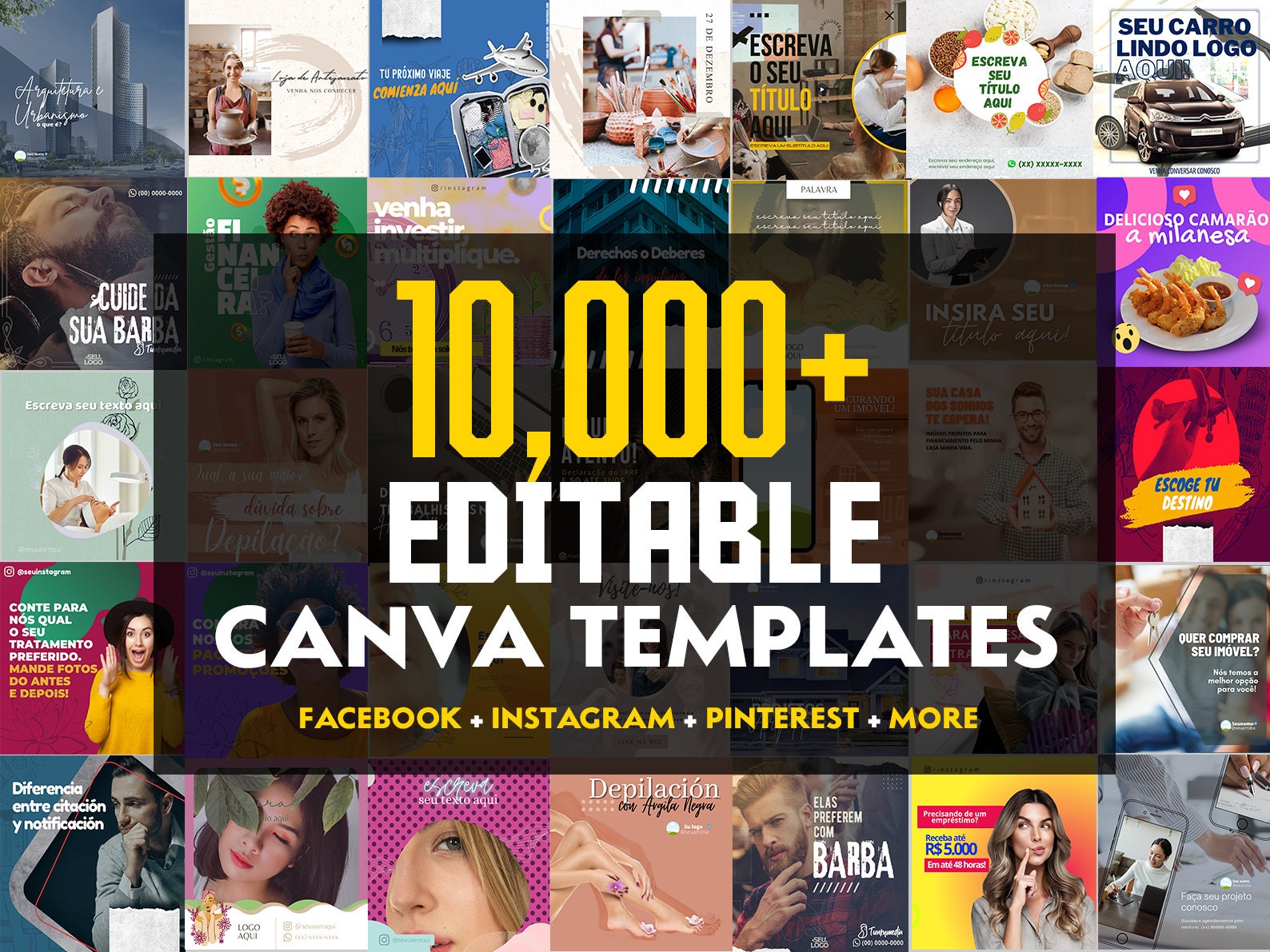
Selling Canva templates remains one of the most profitable ways to generate passive income online. Businesses, influencers, and content creators all want time-saving, ready-to-use designs. Get -Link
Why it works in 2026: Content demand keeps growing on platforms like TikTok, Instagram, and LinkedIn—so reusable templates are hotter than ever.
What you’ll need:
- Canva Free or Pro account
- Basic design and branding skills
- A selling platform (Etsy, Fiverr, or Shopify)
Steps to start:
- Choose a niche—coaches, e-commerce sellers, or lifestyle creators.
- Research top-selling template bundles on Etsy.
- Create 10–20 professional-looking templates.
- Write SEO-friendly product descriptions.
- Promote on Pinterest, Instagram Reels, and TikTok.
 Pro Tip: Bundle your templates (e.g. “Instagram Branding Kit”) to increase sales per customer.
2. Design Social Media Graphics for Clients
Businesses can’t survive without consistent content. That’s your opportunity to sell social media design packages using Canva. This side hustle allows you to earn faster through direct freelance work. Get-Link
You can design:
- Instagram posts and carousels
- Facebook ads
- Pinterest pins
- YouTube thumbnails
- LinkedIn banners
What you need:
- Canva expertise
- Understanding of 2026 social media trends (like short-form video and AI branding)
- A simple online portfolio
Steps to start:
- Design 10 demo posts in different niches.
- Build your portfolio on Canva or Behance.
- Set up gigs on Upwork or Fiverr.
- Offer monthly retainer packages (e.g. 20 posts for a flat fee).
3. Create and Sell Logos
Logo design is still one of the simplest ways to make money on Canva. With the right design eye, you can create professional, minimalist logos for small businesses and startups. Get-Link
Why it’s profitable: New businesses crop up daily—and every one needs a logo.
How to start:
- Create 5–10 sample logos in modern styles (flat, abstract, or minimalist).
- Post them on Etsy, Fiverr, or TikTok Shop Digital.
- Start with affordable rates, then raise prices with your portfolio growth.
- Collect reviews and testimonials to boost credibility.
4. Sell Digital Art Prints on Etsy
If you love creating wall art or quotes, selling digital art prints is an easy passive-income stream. Canva’s features allow you to design high-quality printable art quickly. Get-Link
Trending art styles in 2026:
- Retro typography
- Minimalist botanical prints
- AI-inspired abstract posters
- Affirmation quotes
Steps to start:
- Pick a trending niche on Etsy or Redbubble.
- Create high-resolution designs in Canva (300 DPI).
- Upload them as downloadable files.
- Use SEO keywords in your titles and tags.
- Promote your store on Pinterest and social media.
5. Build Simple Websites Using Canva
With Canva’s website builder, you can now create stunning no-code websites for small businesses, portfolios, and personal brands. Perfect for clients who want simplicity and aesthetics without WordPress complexity. Get – Link
You’ll need:
- A Canva Pro account
- Basic understanding of design layout and navigation
- Good communication with clients
Steps to start:
- Learn Canva’s responsive website builder.
- Create demo sites (personal portfolio, café site, small business).
- Offer affordable website packages on freelance platforms.
- Upsell clients with branding and social media kits.
 Pro Tip: Offer recurring income services like regular updates or branding refreshes.
6. Create Video Content and Templates
Video marketing is exploding in 2026, and Canva’s video tools make editing short-form content easier than ever. You can design YouTube intros, Reels templates, TikTok video ads, and more.
What you’ll need:
- Fundamental video editing skills
- Knowledge of 2026 viral trends
- Canva Pro (for access to full video resources)
Steps to start:
- Create video samples in Canva (for Reels, YouTube Shorts, etc.).
- Upload them to social media to attract clients.
- Sell video templates on Etsy, Gumroad, or Creative Market.
- Offer custom video editing packages on Fiverr or Upwork.
7. Design Event Invitations and Cards
Personalized invitation templates for weddings, birthdays, and corporate events sell year-round. Canva’s templates make it simple to deliver fast, beautiful designs.
How to earn:
- Sell editable Canva templates (for DIY customers)
- Offer personalized invitation design services
Steps to start:
- Create templates for weddings, birthdays, or holidays.
- Sell on Etsy, Zazzle, or your own Shopify store.
- Promote to wedding planners and event companies.
- Offer seasonal bundles (e.g. Christmas or graduation themes).
8. Design Business Branding Kits
Businesses love cohesive branding — you can offer Canva-made business cards, letterheads, pitch decks, and brand kits as one package.
Why it’s lucrative: It positions you as a one-stop design partner, not just a freelancer.
Steps to start:
- Create 3–5 complete brand kit samples.
- Package them as digital downloads or service bundles.
- Offer them via Fiverr, Upwork, or LinkedIn outreach.
- Build lasting relationships with clients for repeat work.
9. Create Digital Products & UI Kits for Developers
A lesser-known yet profitable Canva use is creating UI layouts and digital assets for app developers or digital creators. While Canva doesn’t develop code, it’s perfect for designing app visuals.
You can create:
- App dashboards and login flows
- Mobile wireframes
- Digital planners and productivity tools
How to start:
- Design your UI assets in Canva.
- Sell them on Gumroad or Creative Market.
- Collaborate with app developers or UX freelancers.
- Share on LinkedIn and tech forums for exposure.