
In 2026, AI tools are helping students study smarter and faster. From writing assignments to exam preparation, these free AI tools can improve productivity, save time, and make learning easier.
Whether it’s writing assignments, making presentations, doing research, or solving problems, AI tools can help in every step. The best part is that many of these tools are free and easy to use.
In this article, we explore the best free AI tools for students in 2026 should use.
1)ChatGPT (Best for Writing & Learning)

ChatGPT is one of the most popular AI tools that helps students in many ways. It is easy to use and works by typing questions or instructions. The better your input, the better the result you get.
Students can use ChatGPT to write assignments, understand difficult topics, generate ideas, and even solve coding problems. It explains concepts in a simple way, which makes learning faster and easier.
You can also use it for editing, rewriting, and improving your content. For programming students, it can write code, fix errors, and explain how the code works.
The free version is powerful enough for daily use and gives access to advanced features for learning and productivity.
Use ChatGPT for: Writing, learning, coding, and research
Pricing: Free plan available
Best for: All-in-one student assistant
2) Grammarly (Best for Writing Improvement)
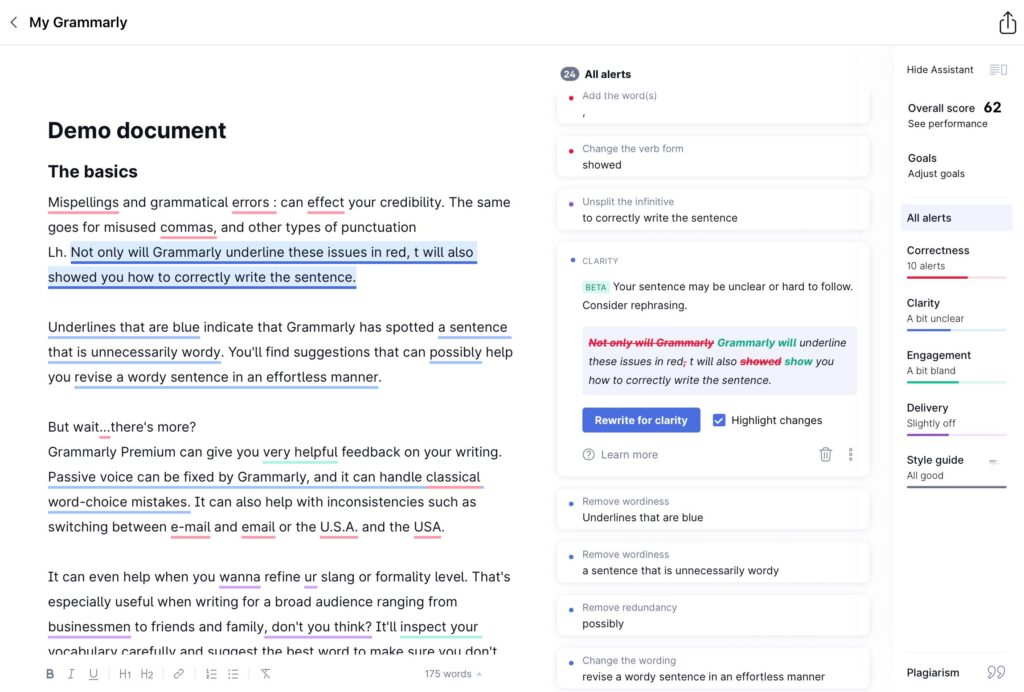
Grammarly is a very useful AI tool for students who want to improve their writing. It helps you correct grammar mistakes, spelling errors, and sentence structure in real time.
You simply write your content, and Grammarly suggests better words, correct sentences, and improves clarity. It also checks tone, so your writing sounds more professional and clear.
Students can use Grammarly for assignments, emails, essays, and reports. It also helps in rewriting sentences and avoiding plagiarism.
The free version is enough for basic writing improvement and daily academic use.
Use Grammarly for: Grammar checking, editing, and improving writing
Pricing: Free plan available
Best for: Assignments and professional writing
3) Notion AI (Best for Notes & Organization)
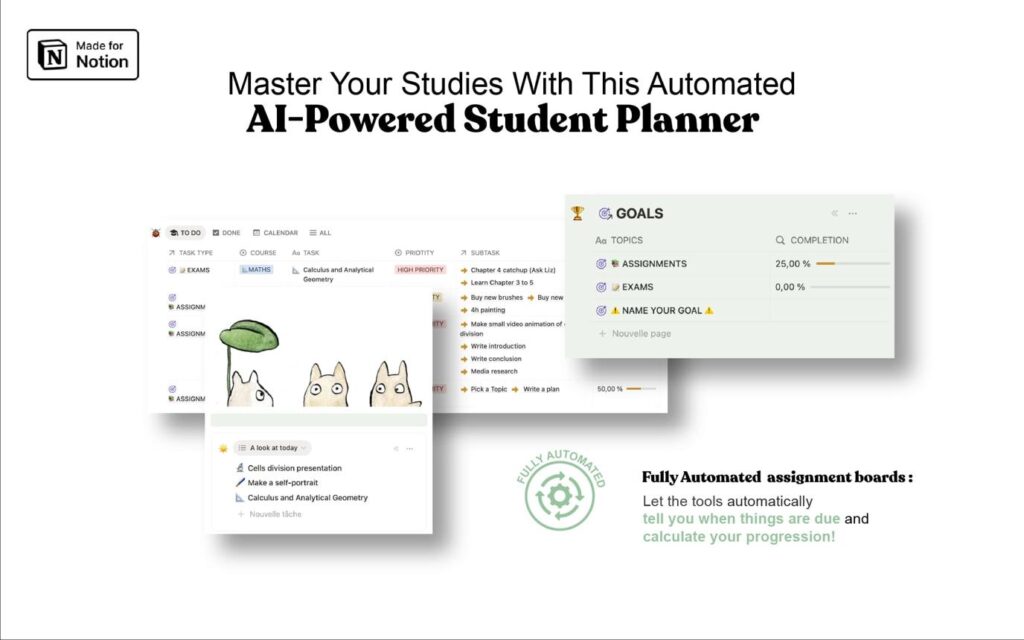
Notion AI is a powerful tool that helps students organize their notes, tasks, and study materials in one place. It makes studying more structured and easy to manage.
With Notion AI, you can write notes, create to-do lists, and even get automatic summaries of long content. It can also help you plan your study schedule and keep track of assignments.
Students can use it to organize subjects, store important information, and quickly revise before exams.
The free version is useful for basic note-taking and organization, making it perfect for daily student use.
Use Notion AI for: Notes, planning, and organization
Pricing: Free plan available
for: Productivity and study management
4) Canva AI (Best for Presentations)

Canva AI is a simple and powerful tool that helps students create beautiful presentations, posters, and project designs without any design skills.
With its AI features like Magic Design, you can generate ready-made slides and layouts in seconds. Just enter your topic, and Canva will suggest professional designs automatically.
Students can use Canva AI for school projects, college presentations, assignments, and even social media content. It saves time and makes your work look more attractive and professional.
The free version offers many templates and tools that are enough for most student needs.
Use Canva AI for: Presentations, designs, and projects
Pricing: Free plan available
Best for: Creative projects and presentations
5) Quizlet AI (Best for Exam Preparation)
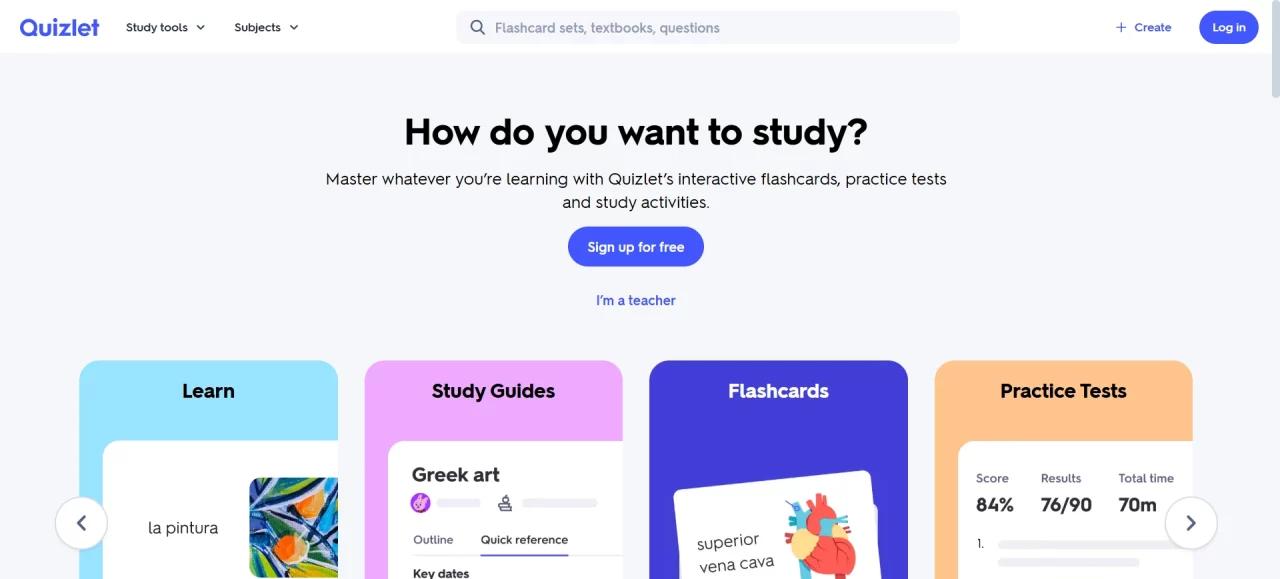
Quizlet AI is a great tool for students who want to prepare effectively for exams. It helps you study faster by turning your notes into flashcards and quizzes automatically.
You can simply enter your topic, and Quizlet creates practice questions and study sets for you. It also uses smart learning modes to focus on the areas where you need more improvement.
Students can use it for quick revision, memorizing important concepts, and testing their knowledge before exams.
The free version is useful for basic study and revision, making it a must-have tool during exam time.
Use Quizlet AI for: Flashcards, quizzes, and revision
Pricing: Free plan available
Best for: Exam preparation and memorization
6) Perplexity AI (Best for Research)
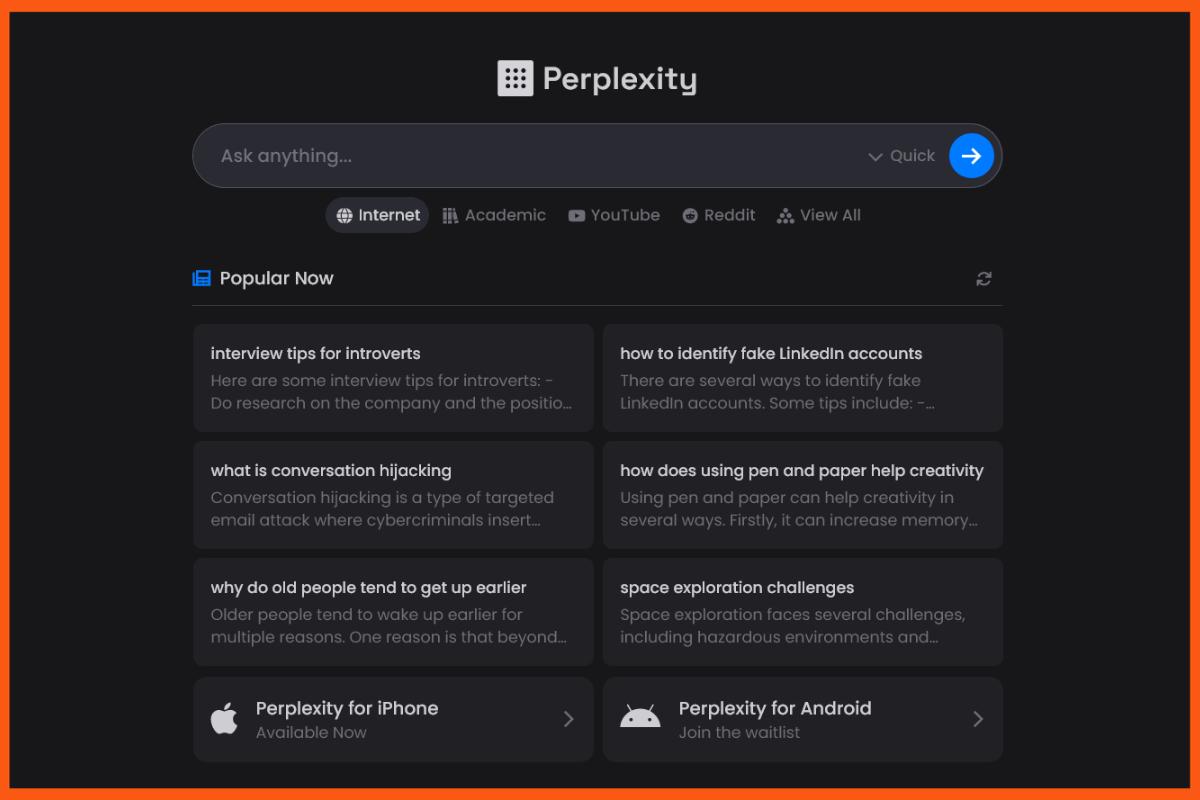
Perplexity AI is a smart research tool that helps students find accurate information quickly. It works like a search engine but gives clear answers along with trusted sources.
Instead of checking multiple websites, you can ask a question and get a direct, well-structured answer. This makes research faster and more reliable.
Students can use Perplexity AI for assignments, project work, and understanding complex topics with proper references.
The free version is powerful enough for daily research needs.
Use Perplexity AI for: Research, summaries, and finding accurate information
Pricing: Free plan available
Best for: Assignments and academic research
7) Otter.ai (Best for Lecture Notes)

Otter.ai is a very useful AI tool for students who want to record and save their lectures without missing any important points. It converts spoken words into text in real time.
You can simply record your class or online lecture, and Otter.ai will automatically create notes for you. This helps you focus on understanding instead of writing everything down.
Students can also review, edit, and search their notes easily later. It is especially helpful for long lectures and revision.
The free version offers enough features for basic lecture recording and note-taking.
Use Otter.ai for: Lecture recording and automatic notes
Pricing: Free plan available
Best for: Classroom and online learning
8) PDF AI (Best for Studying PDFs)
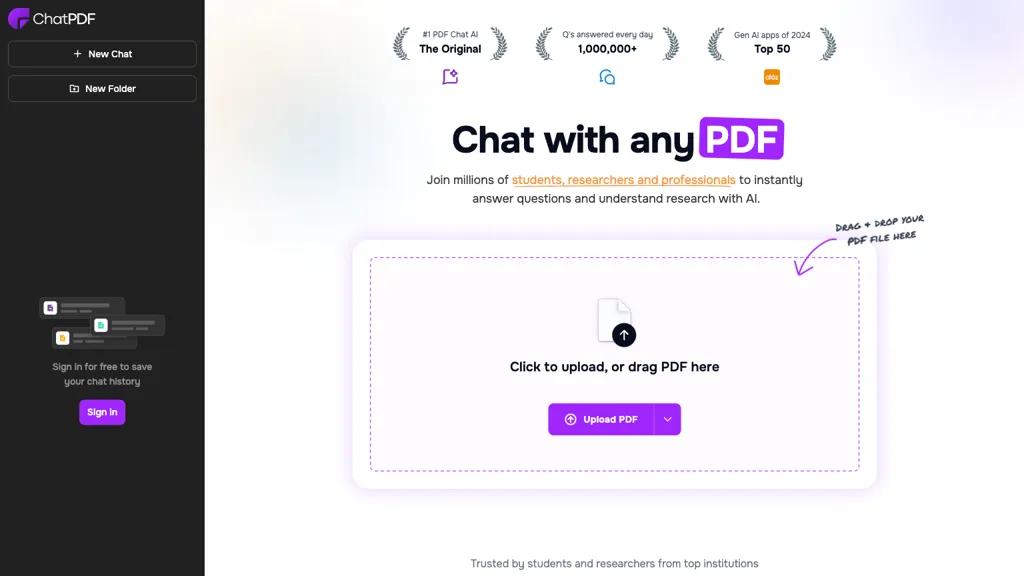
PDF AI is a very helpful tool for students who study from PDF books, notes, or research papers. It allows you to interact with your PDF like a chatbot.
Instead of reading long documents, you can ask questions directly from the PDF, and it will give you clear and simple answers. It can also summarize long chapters, explain difficult topics, and highlight key points.
Students can use PDF AI to save time, understand content faster, and revise important topics easily.
The free version is useful for basic PDF reading and question-answering.
Use PDF AI for: Reading, summarizing, and understanding PDFs
Pricing: Free plan available
Best for: Study notes and research papers
9) Gamma AI (Best for Presentations & Documents)
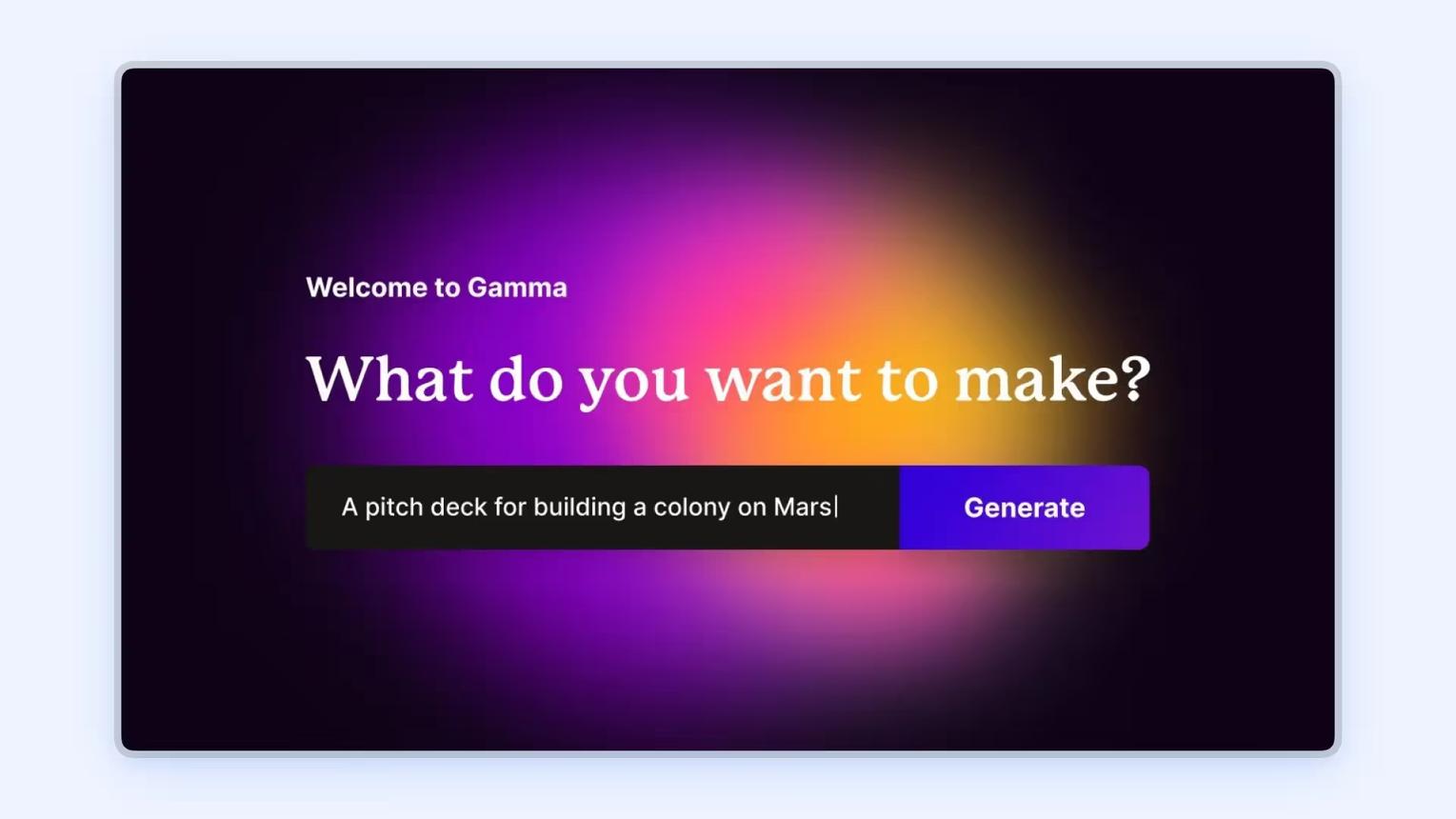
Gamma AI is a powerful tool that helps students create presentations, documents, and reports quickly using AI. You don’t need design or formatting skills—just enter your topic, and Gamma will generate clean, professional content.
It automatically creates slides with proper structure, headings, and visuals. You can also edit and customize everything easily.
Students can use Gamma AI for college presentations, assignments, project reports, and even sharing ideas in a visually attractive way.
The free version is enough for basic use and quick project creation.
Use Gamma AI for: Presentations, documents, and reports
Pricing: Free plan available
Best for: Quick and professional project creation
10) Replika (Best for Mental Support & Conversation)
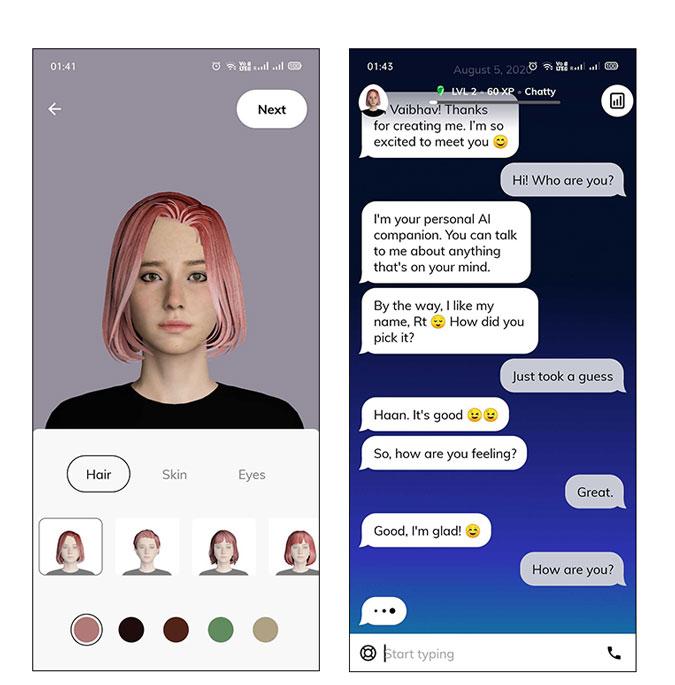
Replika is an AI chatbot designed for conversation and emotional support. It allows students to talk freely, share thoughts, and reduce stress during studies.
You can chat with Replika anytime about your day, problems, or ideas. It responds in a friendly and supportive way, helping you feel relaxed and focused.
Students can use Replika to improve communication skills, practice conversations, and manage study pressure or anxiety.
The free version offers basic chat features that are enough for daily use.
Use Replika for: Conversation, stress relief, and communication practice
Pricing: Free plan available
Best for: Mental support and daily interact